Explore Our One-of-a-Kind App
Discover how MusicRun transforms your run.

Information
Discover how MusicRun transforms your run.
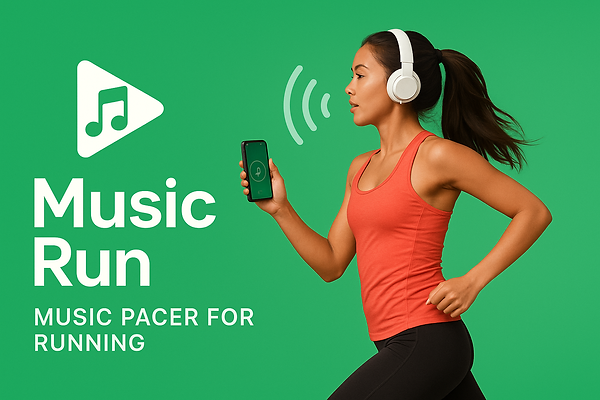
MusicRun is a revolutionary app for running and music enthusiasts. Our app adjusts the tempo of your music to match your pace, helping you maintain your desired speed during training. With the ability to create personalized music workouts, you can alternate between different tempos and receive real-time voice guidance. Choose your preferred pace, activate random or sequential mode, and let the music guide you through your workout.
FAQ
How can I customize my workouts with MusicRun?
With MusicRun, you can create personalized workouts by selecting different tempos for specific time intervals. Simply go to the workout screen and set your preferences to start a training session tailored to you.
Can I use voice guidance while running with MusicRun?
Absolutely! Voice guidance is one of MusicRun’s main features. During your workout, you'll receive voice notifications that alert you to tempo changes, helping you maintain your desired pace and get the most out of your running session.
Does MusicRun offer the option to play music in shuffle mode?
Yes, MusicRun allows you to enable shuffle playback during your workout. This option lets you enjoy a surprising music selection and helps keep your motivation high while running.
How should I create my music files?
Personal MP3 files should be placed in the "musicrun" folder created by the app in the Downloads directory the first time it is launched. They must be renamed by adding the BPM at the beginning, followed by an underscore and the title, then the .MP3 extension (example: 160_title.mp3).
Can I add any MP3 file?
The files used by the app must have a BPM between 120 and 190, meaning the first three characters in the title must be between 120 and 190.
You can also use files that are half the speed, meaning if you want to use a file with a speed of 80 BPM, you can rename it by entering 160.
How can I know the speed of an MP3 file?
There are websites that list the artist, song name, and BPM (for example: chosic.com).
Alternatively, there are websites where you can upload your MP3 files, and they analyze and tell you the BPM (for example: vocalremover.org).

What MusicRun Does in Detail:
It makes you run to the rhythm of music.
The app plays the music you've added to your phone, your music.
You set the pace you want to run at.
MusicRun adjusts the speed of the music to match the rhythm you've chosen.
This way, the music "pushes" you to maintain that pace.